

Computers & IT

Overclockers Titan Gladius Review
Verdict A beautifully made PC packed with the latest technology, this computer is expensive, but it →

HP Envy Curved AIO 34 Review
Key Features Review Price: £0. 00 34-inch, ultra-wide curved screen 7th-gen Intel Core i5 and i7 →
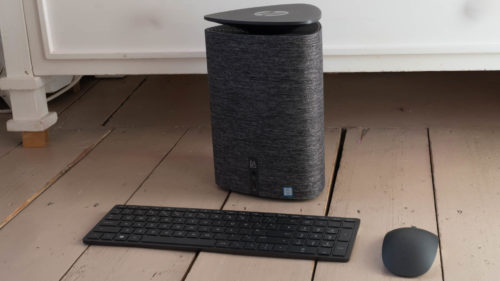
HP Pavilion Wave Review
Verdict A gorgeous-looking PC with great sound, the HP Pavilion Wave does something different, and does →
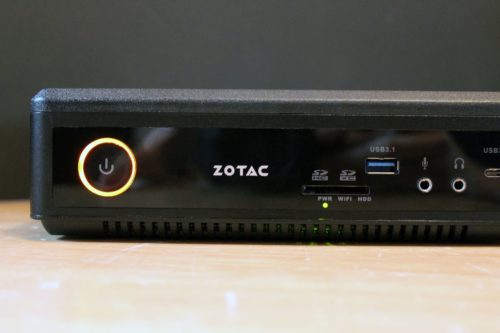
Zotac ZBOX Magnus EN1060 Review
Verdict Pros GTX 1060 gaming power Small, subtle and sturdy design Cool and quiet Cons Expensive →
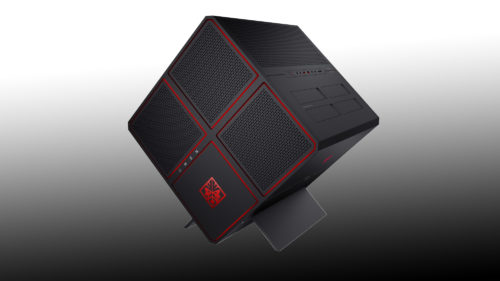
HP Omen X Review
Verdict Pros Solid overall CPU and gaming performance Striking physical design Cons No overclocks applied No →
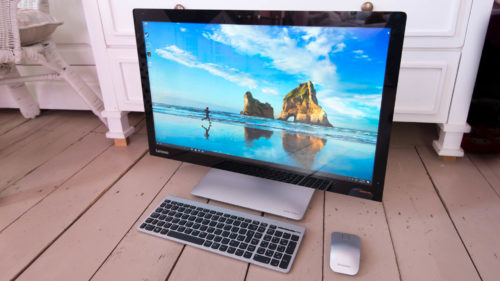
Lenovo Ideacentre AIO 910 Review
Verdict A smart and flexible all-in-one computer – the Lenovo Ideacentre AIO 910 is a great →

Asus Zen AiO Pro Z240ICGT Review
Verdict Fast, attractive and with a 4K screen, the Asus Zen AiO Pro is a great →
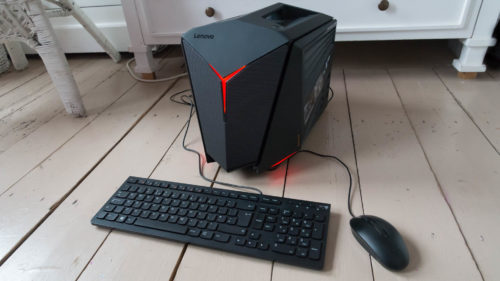
Lenovo Ideacentre Y710 Cube Review
Verdict A fantastic-looking PC, but the slow SSD and choice of processor feel limiting at this →
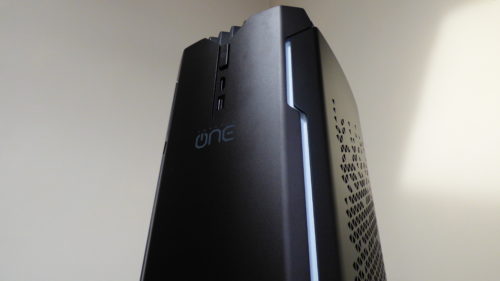
Corsair One Review
Verdict Pros Dinky dimensions Ultra-quiet Great performance VR-ready Cons Luxury pricetag No M. 2 SSD option →

Cordless Lawnmower Review: Gtech CLM50 Insights
Verdict Gtech have produced a very comfortable and intelligent lawn mower in the CLM50. Sporting one →

HP Envy 34 Curved All-in-One Review
Verdict A great-looking and rather different all-in-one, but the Envy 34 Curved All-in-One is a little →
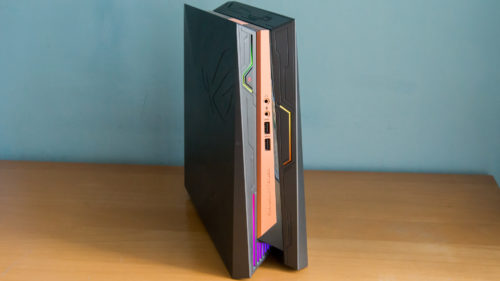
Asus ROG GR8 II Review
Verdict A well-built and attractive compact gaming PC with a great warranty, but its mechanical hard →
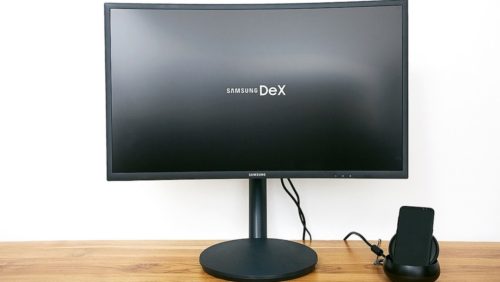
Samsung DeX Review
Verdict The best hybrid desktop/phone solution yet, but it isn’t for most people. Pros Generally slick →

iMac 21.5-inch 4K (2017) Review
Verdict You need to spend a bit more on it to make it perfect – but →
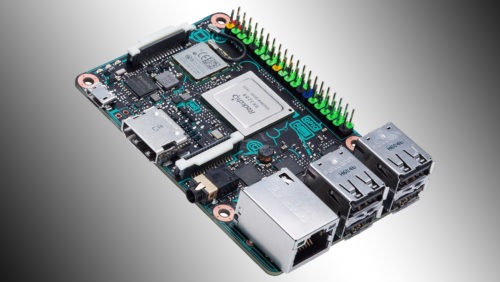
Asus Tinker Board Review
Verdict A solid piece of hardware for experienced tinkerers, but Pi-standard support and community is still →
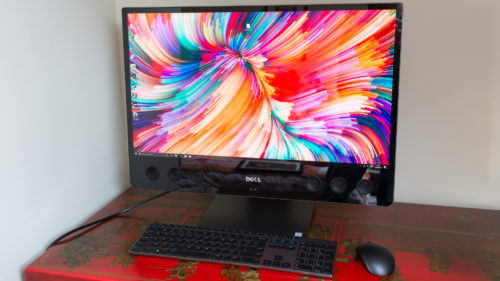
Dell XPS 27 All-in-One Review
Verdict It may be expensive, but the combination of high-quality audio, great looks and top performance →
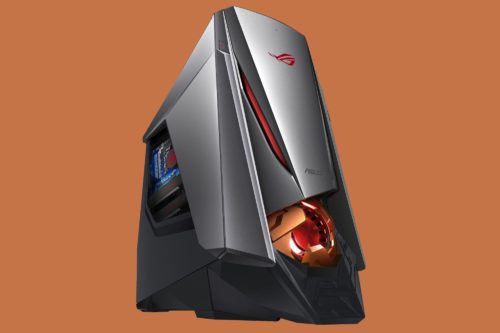
Asus ROG GT51CH Review
Verdict Asus’ latest machine looks outlandish and proves underwhelming in the important areas – and at →
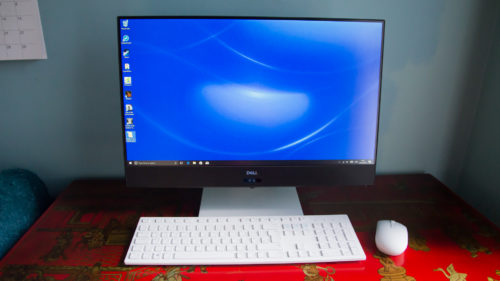
Dell Inspiron AIO 5475 Review
Verdict A great-looking and smartly-designed all-in-one, but the processor really lets it down. Pros Great design →
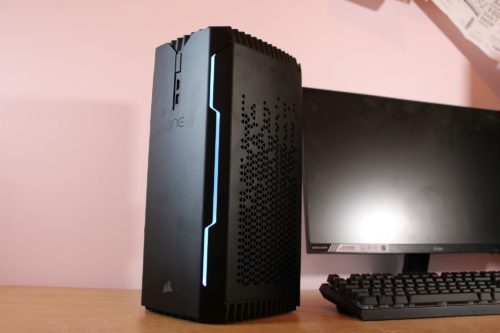
Corsair One Elite Review
Verdict The Corsair One Elite is expensive, but no rival comes close to offering this amount →
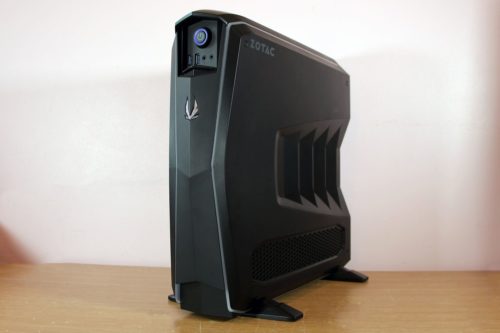
Zotac MEK1 Review
Verdict The Zotac MEK1 deploys a GTX 1070 Ti graphics card to deliver enough power for →
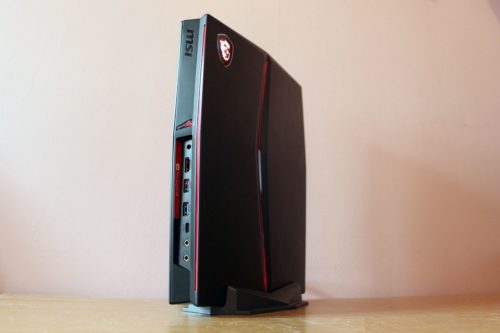
MSI Vortex G25 Review
Verdict The MSI Vortex G25 is a small, smart machine that delivers solid performance – but →
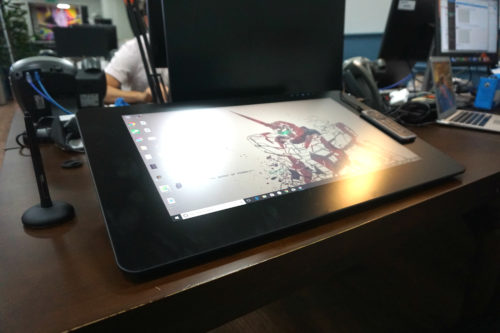
Wacom Cintiq Pro 24 Review
Verdict The ultimate choice for artists, but it’s ludicrously expensive. Pros Stylus is the best available →
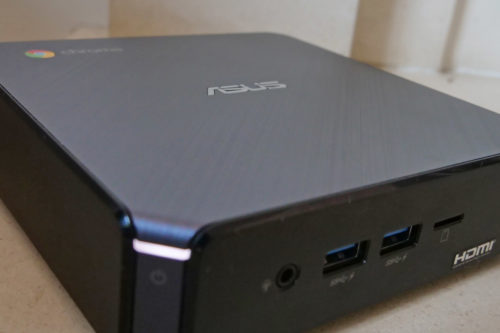
Asus Chromebox 3 Review
Verdict The Asus Chromebox 3 delivers a full desktop Chrome OS experience, with impressive portability when →
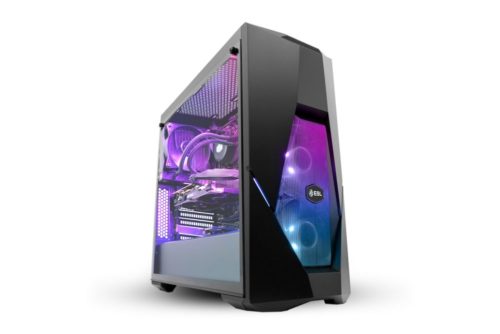
ESL Certified Esports PC Review
Key Features Review Price: £1499 4. 6GHz Intel Core i7-8700K processor Nvidia GeForce GTX 1070 8GB →
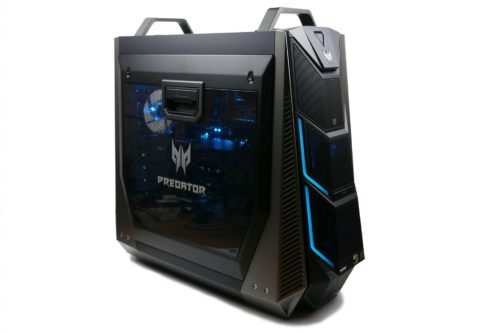
Acer Predator Orion 9000 Review
Verdict A high price and love it or loath it design makes the Orion 9000 a →
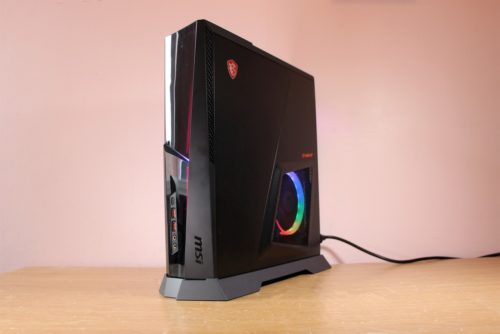
MSI Trident X Review
Verdict The MSI Trident X delivers stonking performance in games and applications thanks to its new →
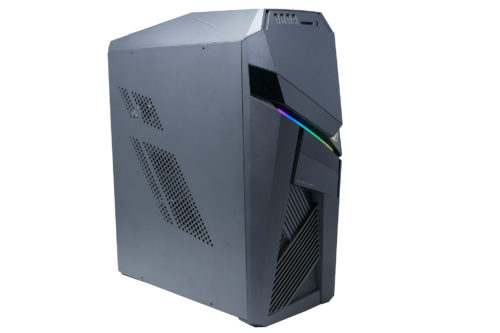
Asus ROG Strix GL 12CX Review
Verdict The Asus GL 12CX is worth a look for those seeking a capable compact gaming →
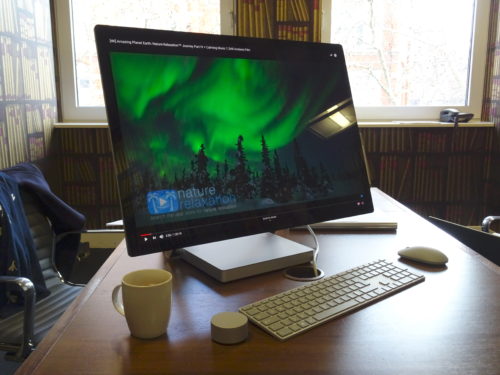
Microsoft Surface Studio 2: First look at super ‘spensive sketching slab
Key Features Review Price: £3549 28-inch 4500 x 3000 display Intel Core i7-7820HQ Up to Nvidia →
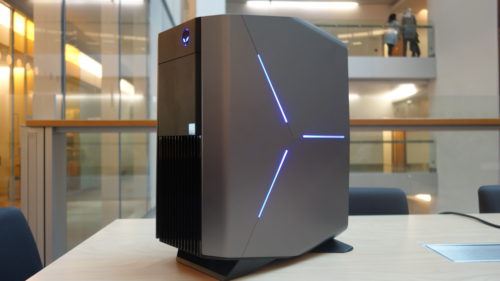
Alienware Aurora R8
Verdict If you’re starting your build from scratch and fancy the strongest gaming desktop possible, the →

Apple iMac 2019 Review
Verdict Refreshes to the CPU and GPU might not be enough to persuade Apple iMac 2017 →